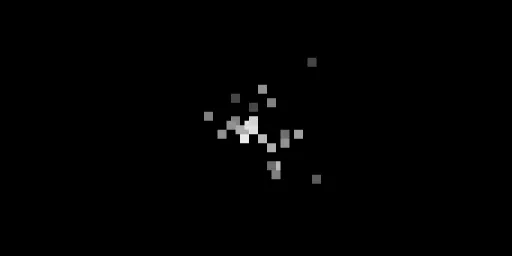
| project name: | grains |
| project url: | https://github.com/danielrigler/grains |
| author: | dddstudio |
| description: | A six-voice granular looper |
| discussion url: | https://llllllll.co/t/grains/75194 |
| tags: | granulator audio_fx |
grains
A six-voice granular sample player for monome norns.
 |
 |
 |
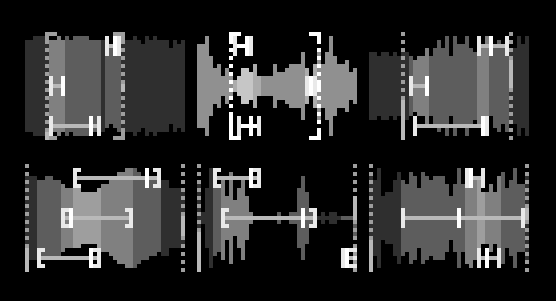 |
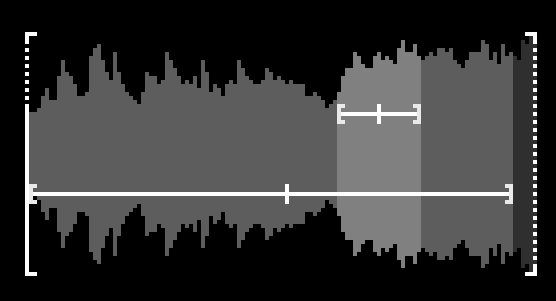
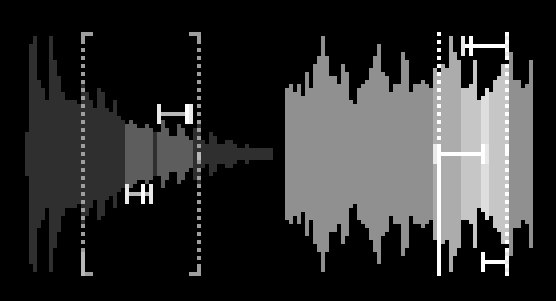
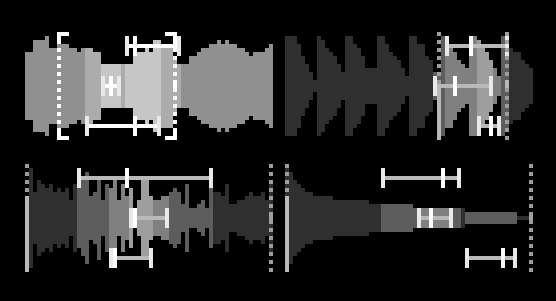
Load or record up to six voices. Each voice runs several layers that drift and collide inside the section you set, so a patch keeps moving without ever repeating exactly. Somewhere between a drone, a tape loop and a chord that never quite settles. Shape it by hand or let randomize do the work. A happy accident machine.
Effects include reverb, delay, shimmer, chorus, tape, glitch, spiral, sub, wavefolder, bitcrusher, resonator and ring mod. You can morph between two states by hand or with an LFO, and there is a seamless loop recorder.
Everything runs from the norns keys and encoders. A grid is optional.
Still in development, so things might change. :)
requires
- norns or norns shield
- grid (optional)
install
From maiden:
;install https://github.com/danielrigler/grains
Restart norns after installing or updating.
controls
Start here: K1+E1 sets Density, the number of layers spread across the loaded voices. At zero you hear nothing.
K1+K2 fills the voices with random files from your audio folder, or set a folder under PARAMS > SOURCE.
Encoders
E1 |
Master Volume |
E2 / E3 |
Section start / width of the selected voice |
K1+E1 |
Density |
K1+E2 |
Add/Remove Layers |
K1+E3 |
Add/Remove Voices |
K1+K3+E1 |
Tuning |
K1+K3+E2 |
Energy |
K1+K3+E3 |
Pitch Change |
K1+K2+K3+E1 |
Scale |
K1+K2+K3+E2 / E3 |
Voice Spread / Layer Spread |
K2+E1 |
Shuffle Volumes |
K2+E2 / K2+E3 |
Selected Volume / Other Volumes |
K3+E1 |
Shuffle Pitches |
K3+E2 / K3+E3 |
Selected Pitch / Other Pitches |
K1+K2+E1 |
Tilt EQ |
K1+K2+E2 / K1+K2+E3 |
HPF / LPF |
K2+K3+E1/E2/E3 |
Reverb / Delay / Shimmer |
Keys
K2 / K3 |
Select Voice |
K1+K2 |
Load Random Audio |
K1+K3 |
Randomize |
K2+K3 |
Lock Selected Voice |
K1+K2+K3 |
Reseed Voices |
K1 hold |
Morph Toggle |
K2 hold |
Record to Voice |
K3 hold |
Record to New Voice |
K1+K2 hold |
Freeze Voice |
K1+K3 hold |
Freeze All |
K2+K3 hold |
Undo |
K1+K2+K3 hold |
Redo |
Grid
| rows 1-6 | voices: press to move the section, hold + press to set it |
| rows 7-8 | up / down per column |
| columns 1-11 | reverb, delay, shimmer, dimension, chorus, vibe, wobble, crush, spiral, sub, glitch |
| columns 12-16 | region LFO, volume LFO, reseed / randomize, volume, density |
Press both keys of a column to reset it.
pitch
Pitch is relative to the source audio. All voices and layers move in steps of the selected Scale. Voice Spread sets how far apart the voices are, Layer Spread how wide the intervals between layers are.
To keep the original pitch, turn on Original Pitch under PARAMS > VOICES.
notes
- The more voices you load, the fewer layers each one gets: 14, 10, 6, 5, 4, 4.
- Long files are sliced. Slice Length under
SOURCEsets how much is taken, from a random position. - Recordings and loops are saved to
dust/audio/grains/. - Locked voices are kept when you randomize. While a voice is locked, Randomize keeps the key too.
credits
- grains by @dddstudio
- inspired by and based on Graintopia by @infinitedigits
- contains code generated by Claude