| project name: | AshSynth |
| project url: | https://github.com/nunosmash/AshSynth |
| author: | nunosmash |
| description: | Norns monophonic synthesizer: dual oscillators, FM, split envelopes, clock-synced delay & reverb |
| documentation url: | https://github.com/nunosmash/AshSynth/blob/main/README.md |
| tags: | synth engine midi grid |
AshSynth
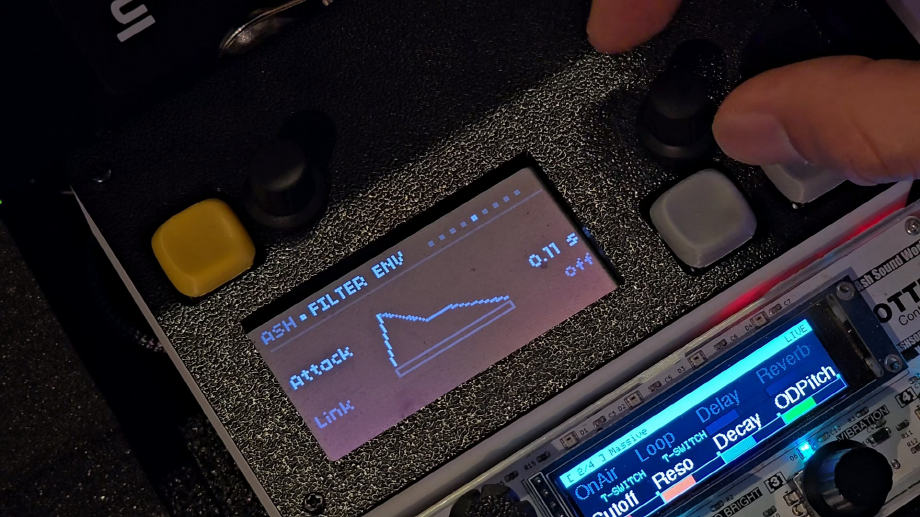
Demos: Demo 1 · Demo 2 (Shorts)
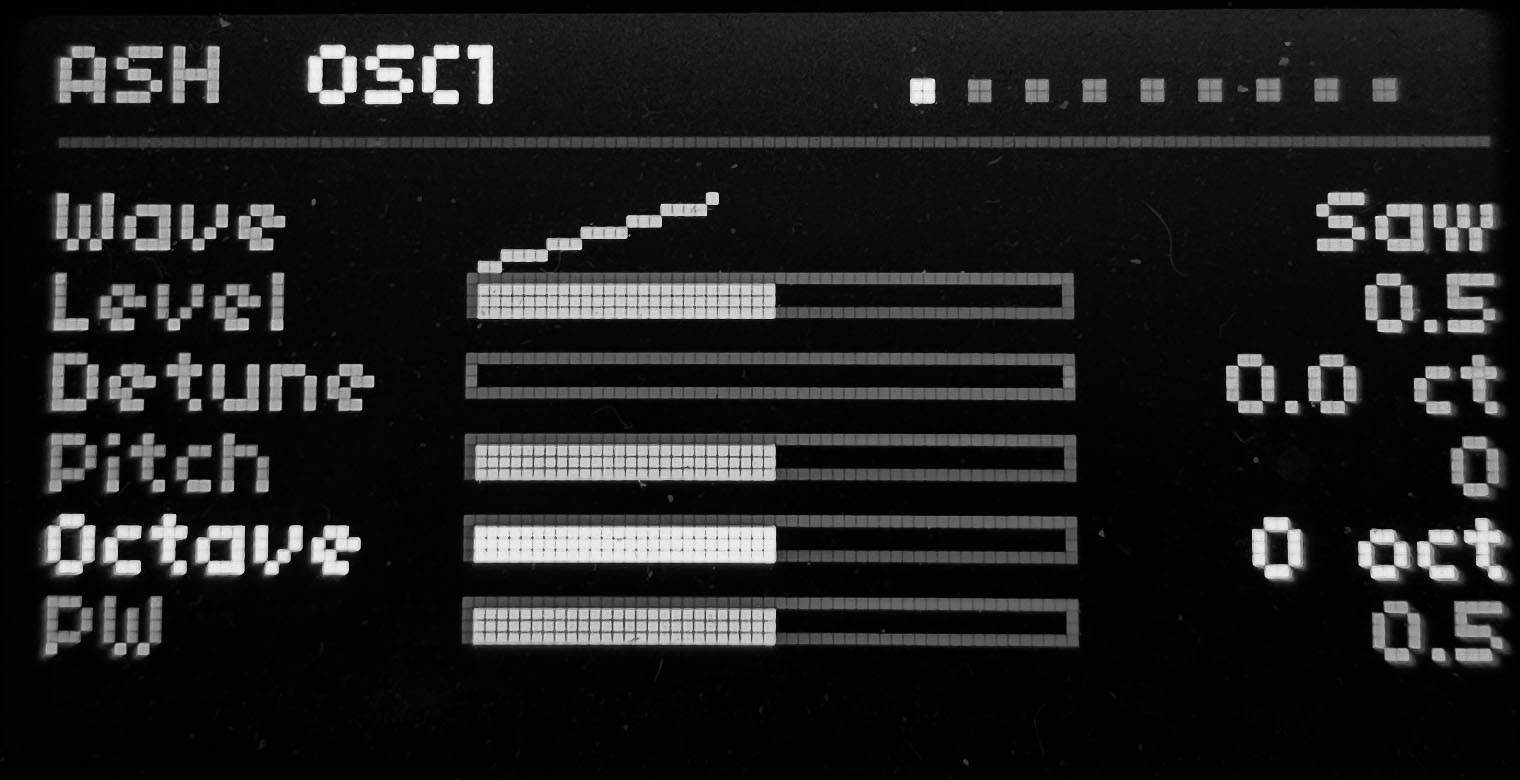
AshSynth is a monophonic synthesizer script for norns. It starts from a familiar dual-oscillator → LP filter → dual-ADSR layout, then adds norns-friendly UI and a few sound-design choices of its own. The screen stays live; parameters show as bar graphs so you can read the patch at a glance.
What it sounds like
AshSynth is designed to be a genuine standalone synth, capable of serving as a complete instrument in its own right.
- Mono voice — one note at a time, clear and direct; good for bass, leads, and short pads or sequences.
- Dual oscillators — wave, pitch, octave, level, and detune live on separate OSC1 / OSC2 pages so each source is easy to shape on its own.
- FM layer — a high-ratio FM voice in MIX; depth can be swept with the LFO.
- Split filter & amp envelopes — filter moves on its own, or LINK ties it to the amp envelope.
- Wide LFO — routes to pitch, filter, amp, pulse width, detune, noise, FM, glide, drive, delay mix, and reverb mix; LFO Master scales all depths at once.
- Delay & reverb — clock-synced delay (triplets, dotted notes, bars, and more) plus FreeVerb2 reverb, with light makeup gain so wet mixes do not collapse in level.
K1 + K3 randomizes for quick patch discovery; K1 + K2 restores factory defaults after experiments.
Highlights
| Area | Details |
|---|---|
| OSC | Sine / Saw / Pulse, ±2 oct, 0.1 semitone pitch, per-osc detune (0–50 ct) |
| Phase lock | When settings match and detune returns to 0, OSC2 locks phase to OSC1 — less “stuck” beating after detune |
| MIX | Noise, FM, glide (All / Legato) |
| Filter | LP + resonance, key tracking, dedicated filter ADSR |
| LFO | 5 shapes + Random, master depth, 12 destinations; scroll with E2 on the LFO page (incl. drive, delay & reverb mix) |
| FX | Delay (free or clock, 19 divisions), reverb (room / damp) |
| Performance | MIDI (bend, aftertouch), 5×8 grid keyboard, TouchOSC via toga |
| Navigation | 9 pages; hold K2 / K3 to scroll pages quickly; K1 combos for INIT / RAND |
| Presets | ashsynth-NN.pset; MIDI Program Change recall |
What sets AshSynth apart: a page-based norns workflow over the whole synth, a touch of passersby-style FM without leaving the mono voice, and an LFO section aimed at moving patches rather than static tones.
Signal flow
OSC1 + OSC2 (+ FM layer) + noise
  → LP filter (filter env, key track, LFO)
  → amp (amp env, drive, velocity, pressure)
  → delay → reverb → out
The LFO runs on a separate control bus and feeds the voice (and glide / FM, etc.) in parallel.
Controls
Encoders
| E1 | Page |
| E2 | Parameter (LFO page: scroll destinations) |
| E3 | Adjust value (pitch steps: 0.1 semitone) |
Keys
| K2 | Previous page (hold to scroll quickly) |
| K3 | Next page (hold to scroll quickly) |
| K1 + K2 | Factory defaults (on-screen: INIT) |
| K1 + K3 | Random patch (on-screen: RAND; OSC pitch picks from −12 / 0 / 7 / 12 st) |
Pages (9)
OSC1 · OSC2 · MIX · FILTER · FENV · AENV · LFO · DELAY · REVERB
On the LFO page, ^ / v on the right means more destinations below — use E2 to scroll (Pitch, Filter, Amp, PW, Detune, Noise, FM, Glide, Drive, Delay, Reverb).
Install
dust/code/ashsynth/
  ashsynth.lua
  lib/ash_engine.lua
  lib/Engine_Ash.sc
Run ashsynth from norns SELECT. The same control summary lives in the comment block at the top of ashsynth.lua.
For a TouchOSC grid, install code/toga and keep the togagrid include line in ashsynth.lua active (code/toga or a toga/ folder where your norns setup expects it).
Presets
- Save path:
dust/data/ashsynth/ashsynth-NN.pset - MIDI channel 5 Program Change → load matching preset number
PARAMETERS menu
- input — MIDI device / channel, pitch bend range, grid device
- midi cc assign — map four CCs to parameters
Screen
While the script is running, the display redraws at 15 fps and calls screen.ping() so norns does not put the OLED to sleep. Parameter bars, envelopes, and a note LED stay visible without waiting for encoder input.
Version
Engine Engine_Ash.sc · UI ashsynth.lua ~v1.1.8 — built for norns with the SuperCollider Crone engine.